
Every bill and receipt, in one place.
Record purchase orders, supplier bills, expenses and returns, and keep your suppliers in one list. Issue a self-billed e-invoice when a supplier cannot.
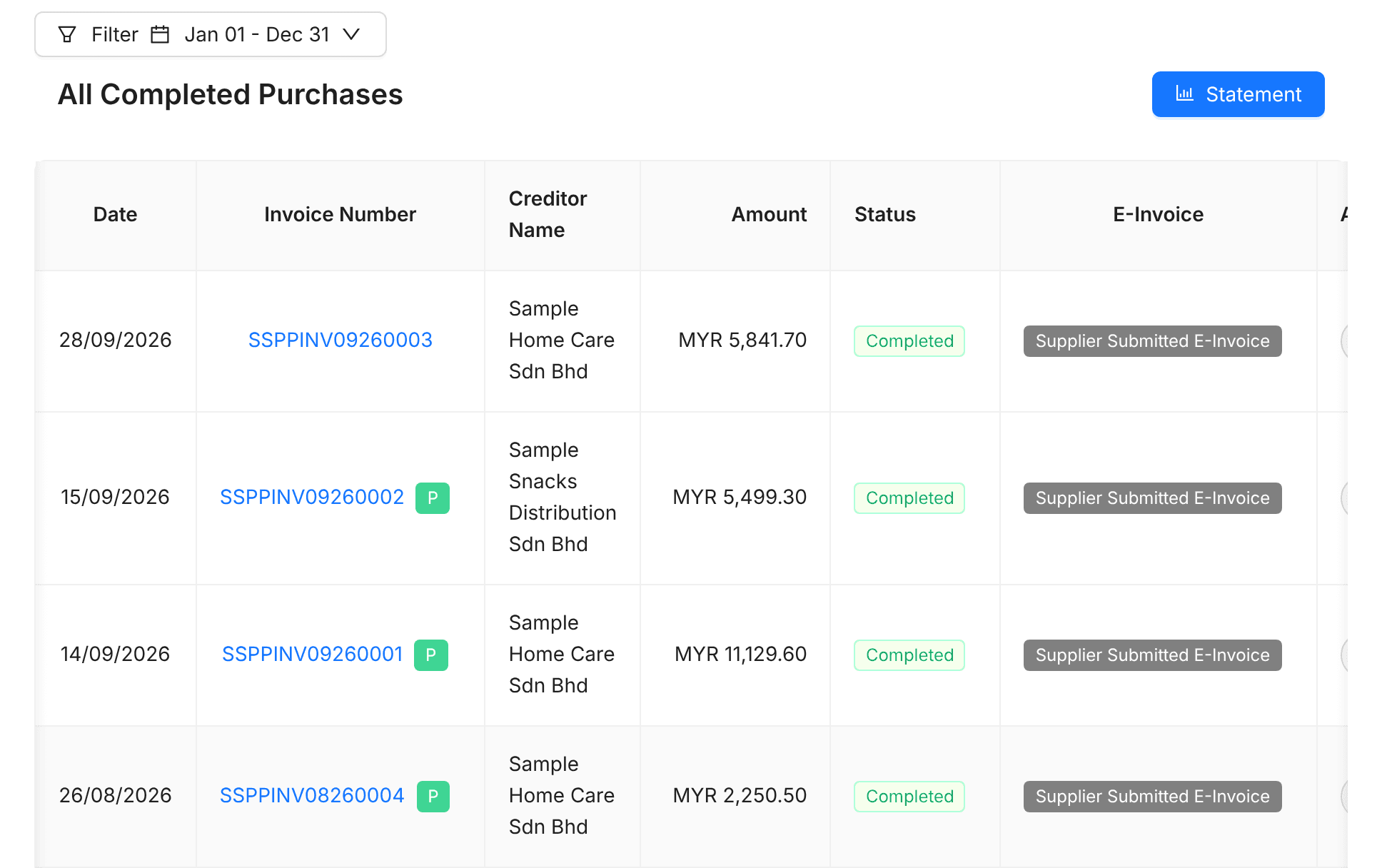
From order to bill
Keep every step with a supplier in one record.
Expenses, recorded as they happen
Everyday spending
Record expenses with the supplier and amount.
Other income
Money in that is not from a sale.
Recurring expenses
Rent and subscriptions, created on schedule.
When your supplier cannot issue one
Self-billed e-invoices
Issue the e-invoice yourself for suppliers who do not.
Submit to MyInvois
From the purchase, the same way as a sales invoice.
Match the payment
Pay the bill, then match it on your bank statement.
Frequently asked questions
Is it included for free?
Yes. Purchases and expenses are free during the Duitbooks beta, like everything else.
How is tax handled on supplier bills?
You select the tax amount on a vendor bill by hand.
What is a self-billed e-invoice?
An e-invoice you issue on behalf of a supplier who cannot issue one, for example some individuals and foreign suppliers.
Can I scan receipts?
Yes. Upload a photo or PDF of a supplier's invoice and Duitbooks fills in the bill for you to check. You can also attach receipts to expenses.
Purchases made simple. Start free today.
For new and small Malaysian businesses. No credit card needed.